
Videos
Watch Quotera in action.
Learn every feature through detailed video walkthroughs. From your first work order to advanced marketing automation, we have you covered.
Video guides
Everything you need, on video.
10 short walkthroughs covering everything you need to know, start with the basics and work your way up.
 1
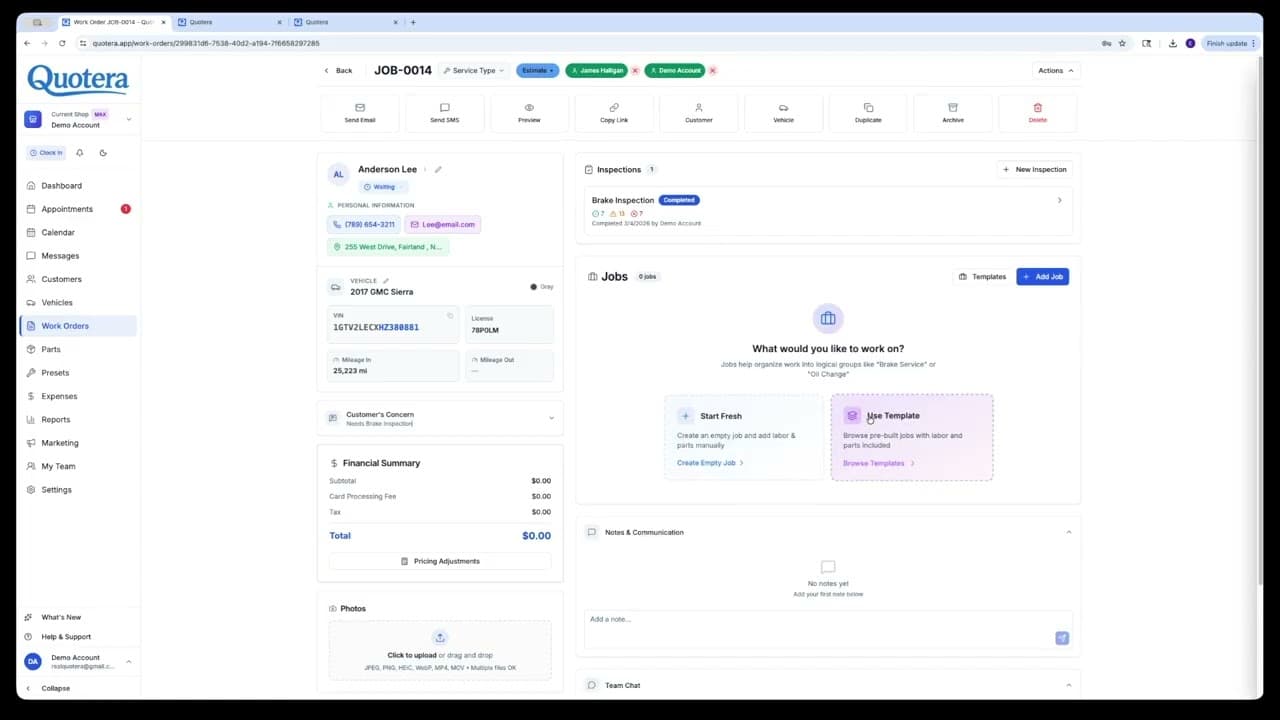
1Dashboard, Work Orders, Customers & Assets
Your command center, creating work orders, managing customers, and tracking assets all in one place.
Watch on YouTube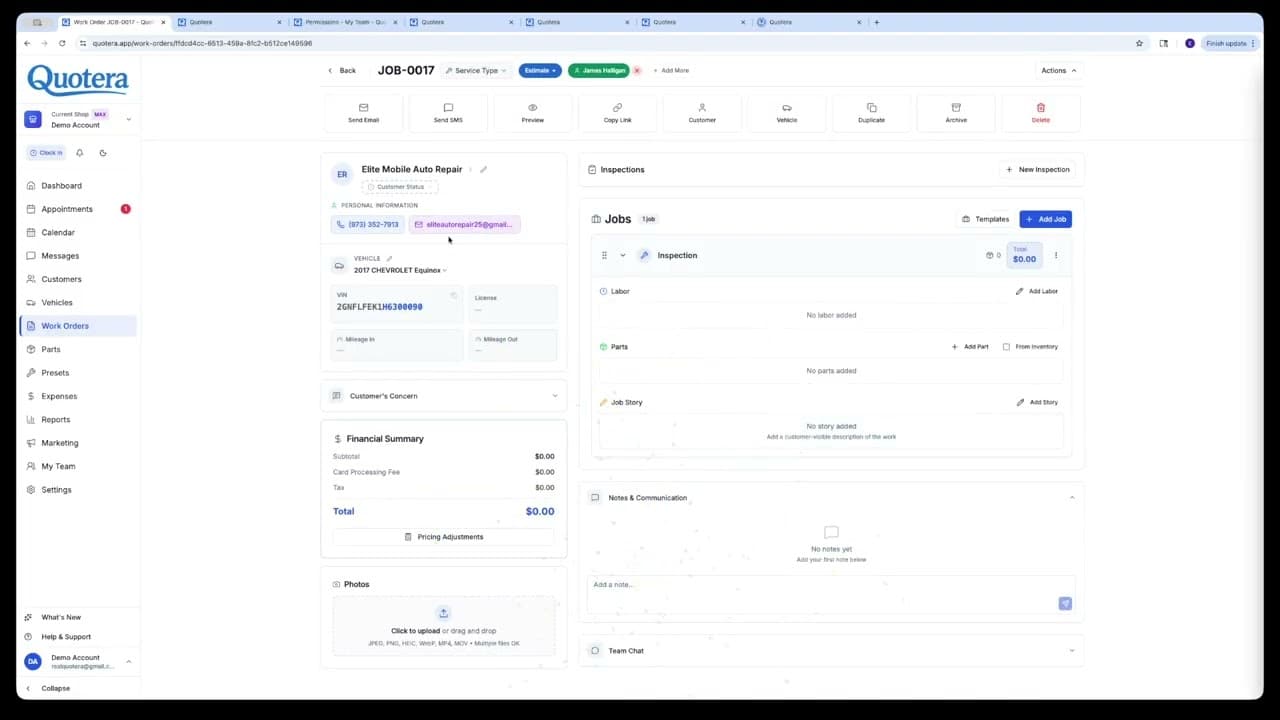 2
2Appointments & Calendar
Schedule work sessions, manage online booking, and keep your shop organized with the visual calendar.
Watch on YouTube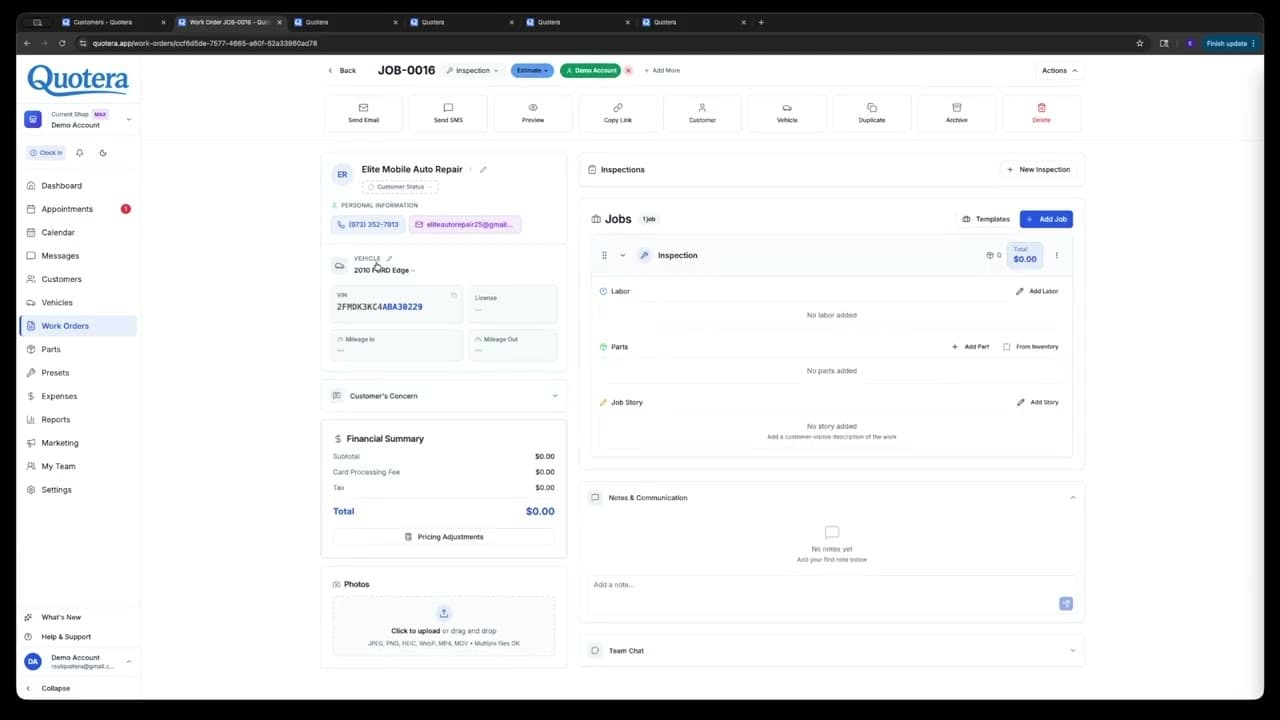 3
3Messaging
Send SMS and email notifications, use templates, and communicate with customers directly from Quotera.
Watch on YouTube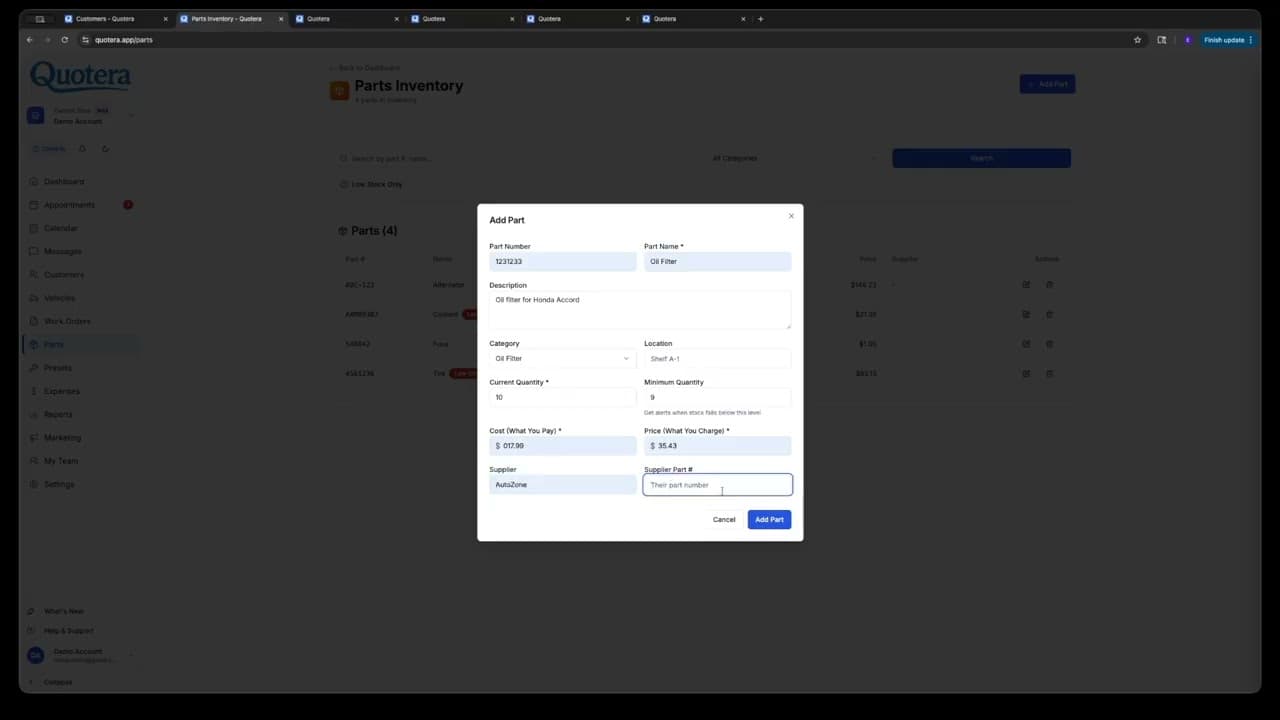 4
4Parts
Search and manage parts inventory, add parts to work orders, and track stock levels.
Watch on YouTube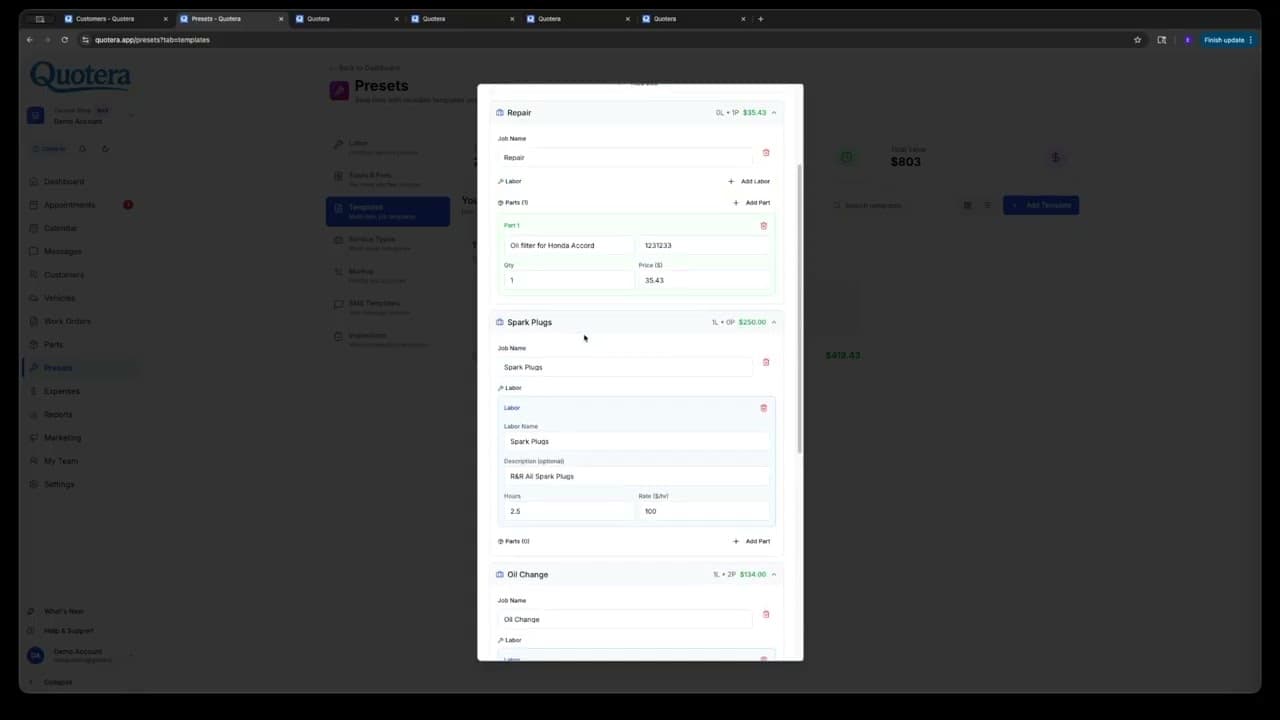 5
5Presets
Set up labor presets, job templates, fees, and taxes to speed up your workflow.
Watch on YouTube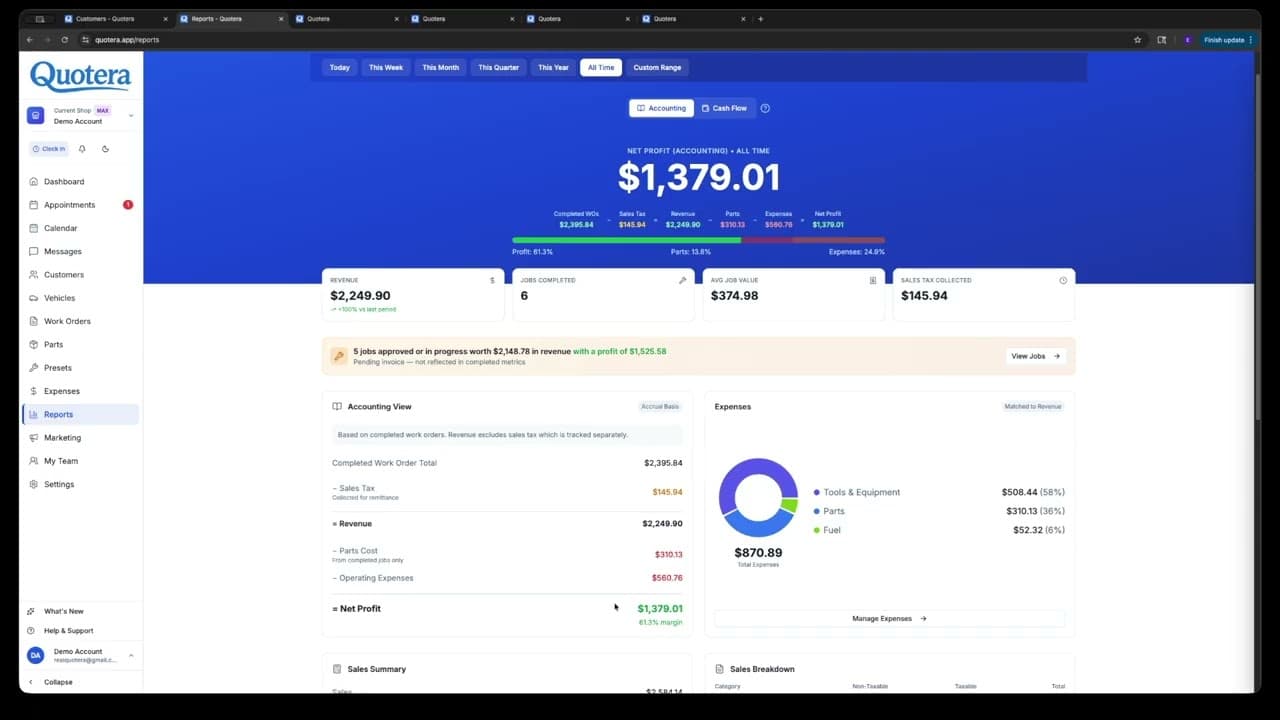 6
6Expenses & Reports
Track shop expenses, view revenue reports, and understand your profitability at a glance.
Watch on YouTube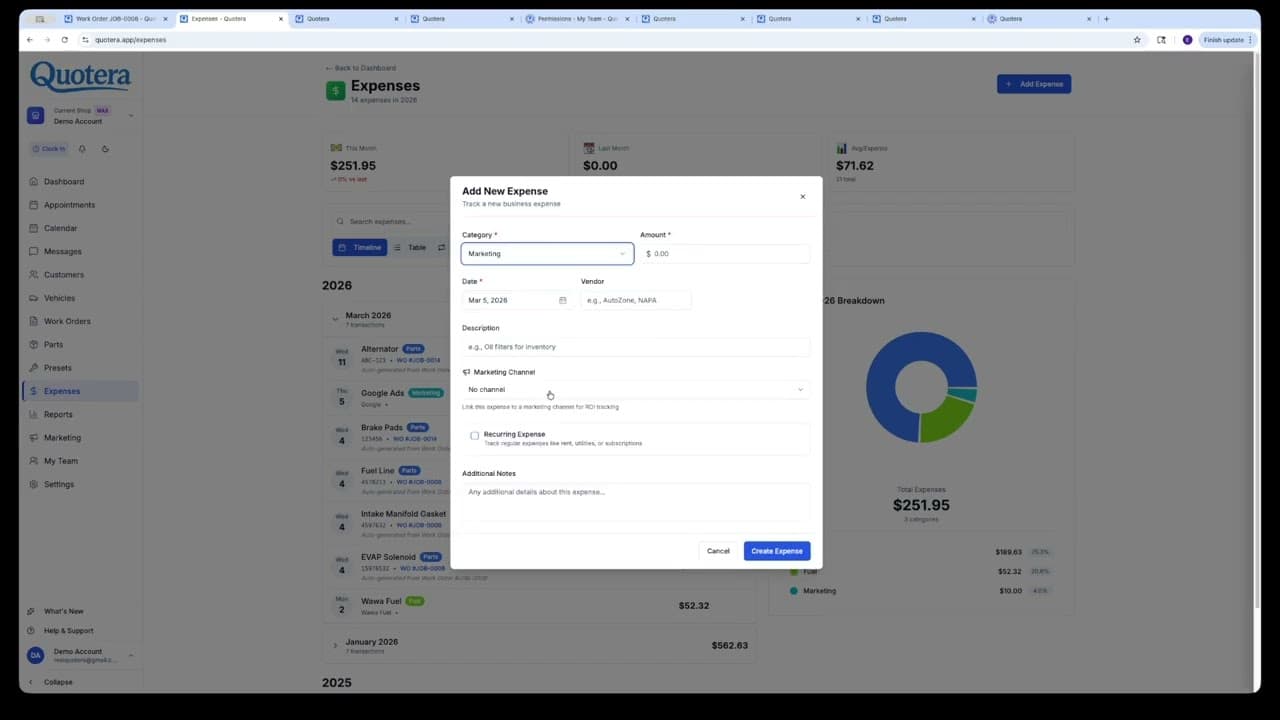 7
7Marketing Center
Automate follow-ups, service reminders, and campaigns to keep customers coming back.
Watch on YouTube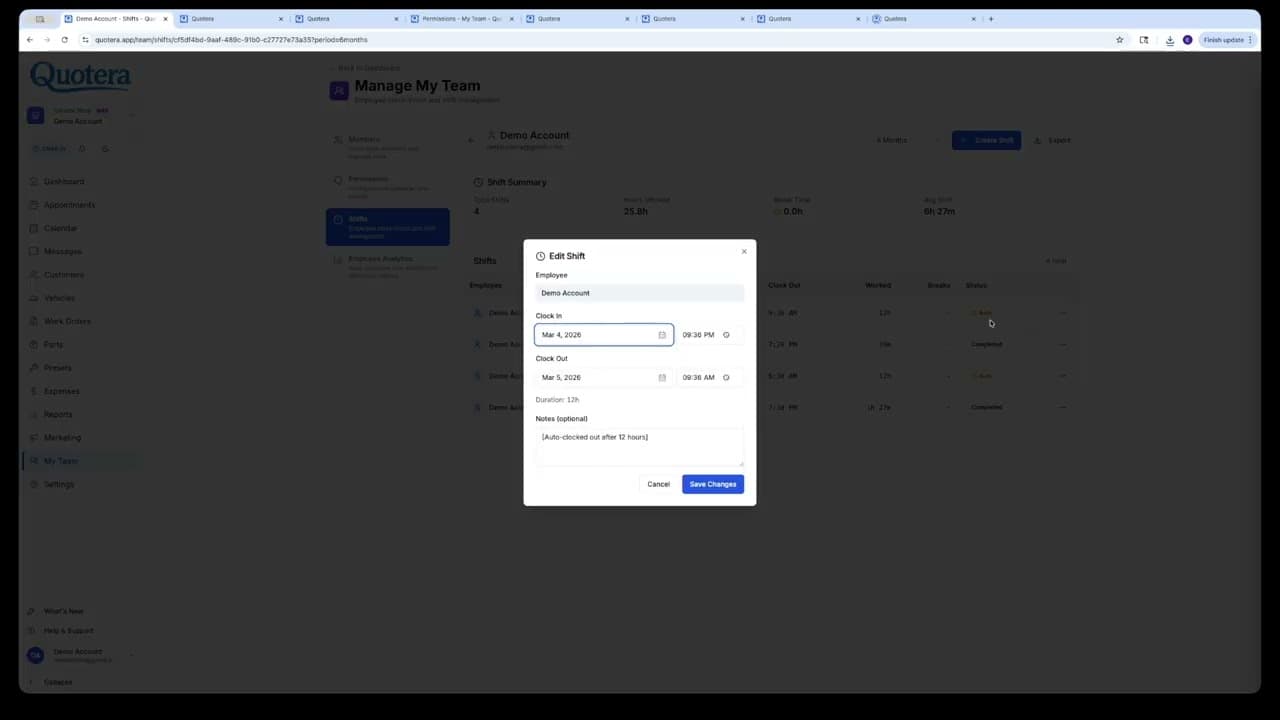 8
8My Team
Invite team members, assign roles and permissions, and manage your shop’s workforce.
Watch on YouTube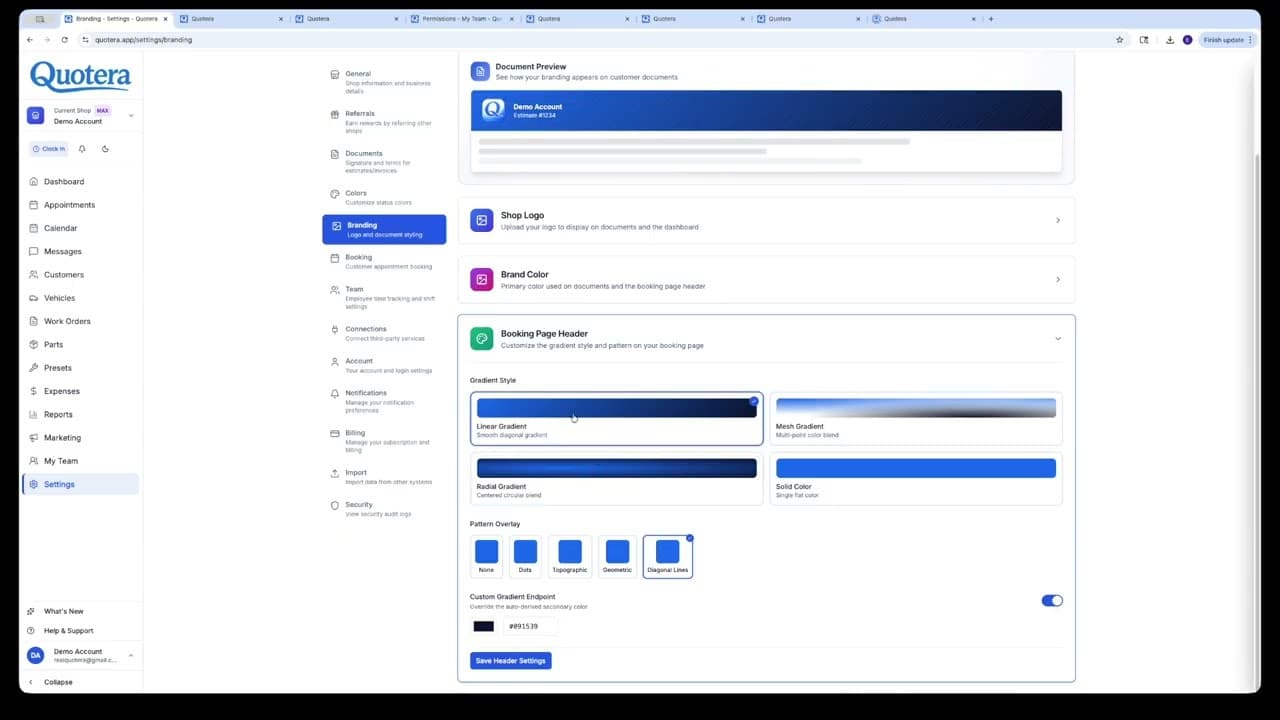 9
9Settings
Configure your shop profile, branding, billing, integrations, and everything in between.
Watch on YouTube 10
1010DLC SMS Registration
Walkthrough of the 10DLC carrier registration process, what to fill in, how long it takes, and what to expect.
Watch on YouTubeReady to see it for yourself?
Try Quotera free with 10 total work orders. No credit card required.